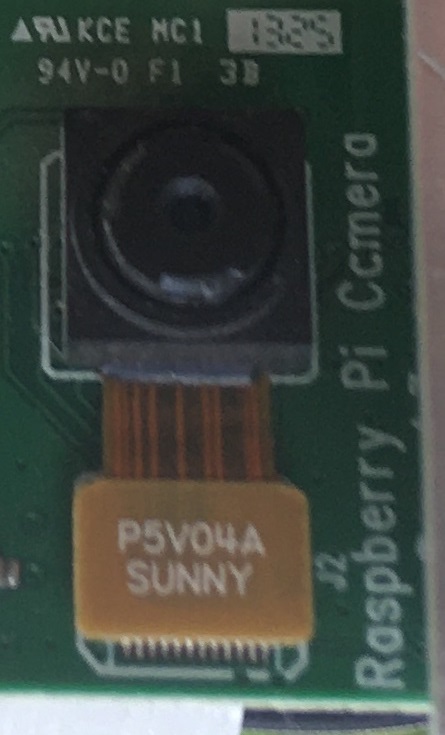
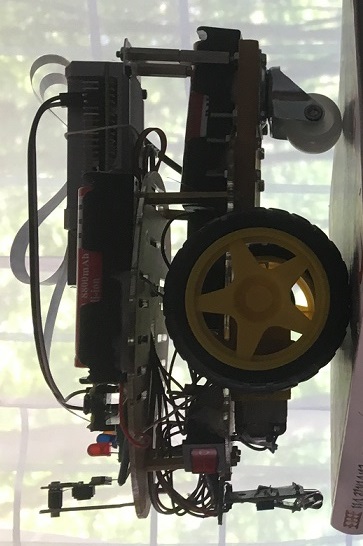
The laboratory experiment explores the possibilities of attachinge a unei camere video pentru platformele Raspberry Pi si utilizarea resurselor software pentru dezvoltarea Applicationslor. Este propus si realizat un sistem mobil compus dintr-un sever WEb mobil capabil sa ofere streaming video avand posibilitati de orientare de catre utilizator. Este utilizat un Rpi 4 cu camera video interconectat cu o platform Rpi Pico ce permite orientarea camerei prin intermediul unei pagini Web.
At the end of the lab, detailed information will be available despre realizarea paginilor WEB active capabile sa controleze sisteme mobile to remote mobile platforms that can also provide visual control.
Hardware: - Platforma Raspberry 4, Pico platform, mobile system frame from Lab. 10, Software : - APACHE , HTML, PHP, Phyton3, Micropyhon 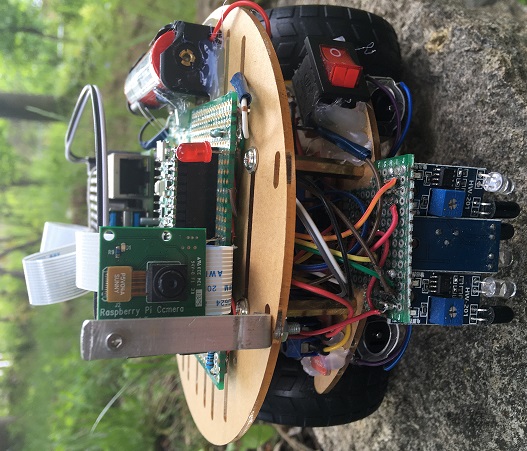
Subpage - streaming video display Subpage for mobile system control Actiune tasta Left Actiune tasta Forward Actiune tasta Right Software for mobile system control with RPi Pico Software streaming video soket
The RPi4 platform equipped with a video camera is interconnected via the serial interface with the RPi Pico platform, which is mounted on a mobile support equipped with 2 DC motors, as shown in the figure below: 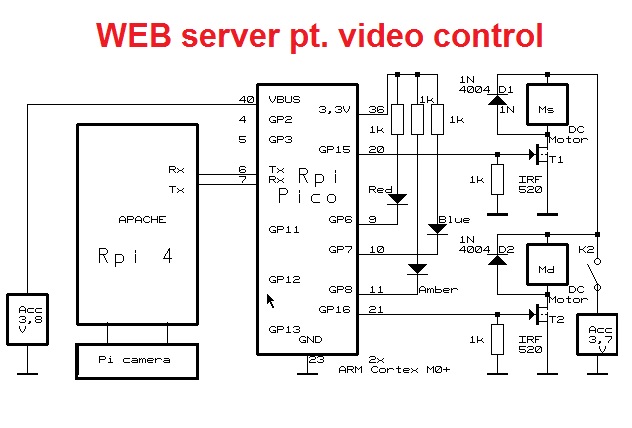
Disable the BT module connected to ttyAMA0 by adding this directive in the file /bot/config.txt. Because the GPIOs for the serial interface ttyAMA0 are not conectate la pinii 8 si 10 are redirected them according to the commands entered in rc.local . Use raspi-config to enable the video camera and load the Picamera class on the RPi 4 with the following commands: $ sudo apt-get update $ sudo apt-get install python-picamera python3-picamera 
1. Create an application on the mobile system that will follow a path/outline; 2. Modify the rotation angle of the mobile system when pressing the Right/Left keys; 3. Identificati rezolutia maxima/minima a imaginii video; 4. Analyze how to attach the video camera to a classic microscope; 5. Develop a Web page solution to rotate the camera vertically.
- Development of tools for scientific research - Realizarea Applicationslor de supraveghere a mediilor ostile - Cloud data sensor - data acquisition and storage in the cloud - Realizare platforme educationale - Instrumentatie inteligenta 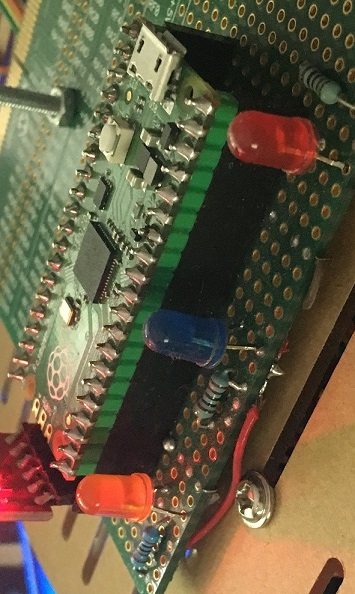
|