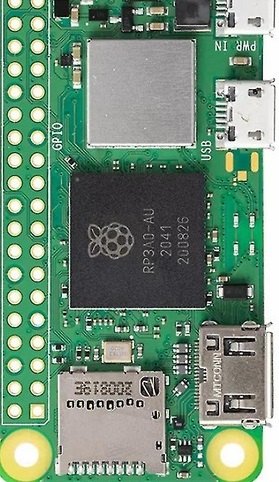
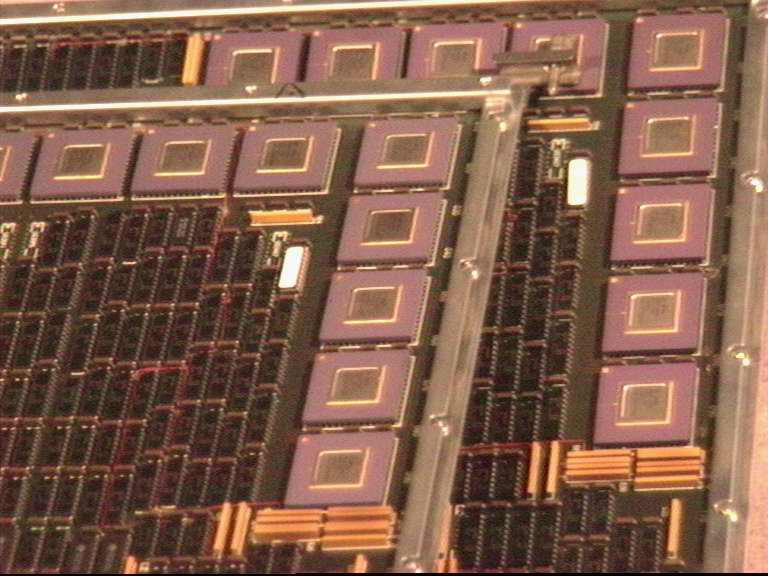
The laboratory experiment aims to provide a first introduction to the universe of computers inheriting the PDP11 - Cray1 - ARM A53 - Apple M5 path and the operating system Unix with the Linux derivative. The hardware and software resources of the Raspberry Pi zero-4/5 development platforms are explored as well as how to use the SSH server to access UNIX/Linux commands. The notion of sensor specific to embedded applications is introduced. At the end of the lab, details will be provided about the possibility of creating an intranet network using an Embedded Linux system based on the ARM A53 as a server, a 4-core 64-bit processor that can be considered a true gateway to the top processor in this range, represented by the Apple M2, considered to be the most powerful processor on the planet.  .... ....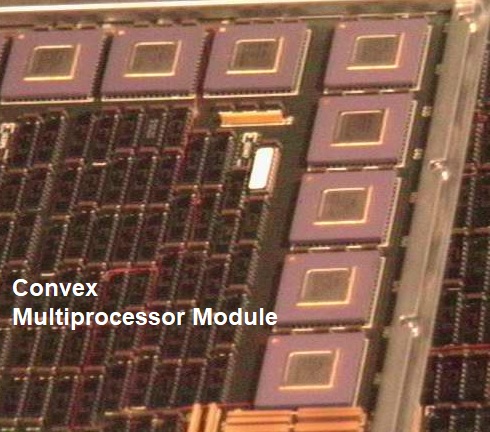
Rpi zero 2W platform, SD with Linux 32/64 bits and SSH enabled, wifi router, Internet connection, PC with SSH client application (Putty) 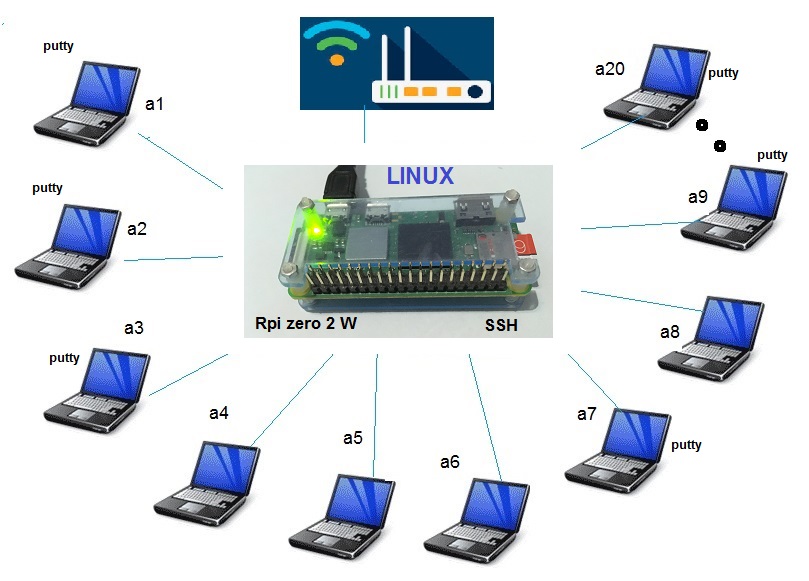
Display processor temperature 
- From the address here an image of the operating system is transferred available in "open source" mode. It is recommended to use DEBIAN Linux, it is also possible to use alternatives such as UBUNTU, Free BSD, etc. Using an application like DiskImager, a bootable SD is created like this:  On the SD, the root of the system, an empty file named ssh is copied as well as a file named wpa_supplicant.conf with the following content (ASCII):  When loading the Linux system, the presence of the ssh file will activate the SSH server and the information in wpa_supplicant.conf will allow a local router to assign a dynamic IP for the Raspberry Pi platform to which we will be able to connect with a PC through an SSH client application - Putty. This can be installed from Install Putty, the application development environment being represented below: 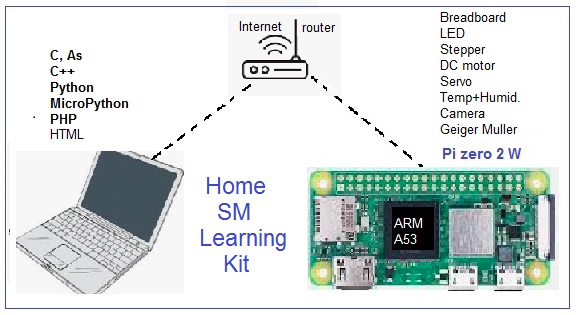
For 64 bit Linux operating system a bootable SD card with Linux can be done using the Raspberry Pi Imager application located to at Linux systems for Rpi. For 64 bit OS in /etc/wpa_supplicant director must be included wpa_supplicant.conf file. 

 
1. Create a c application that will allow you to view the execution time of an operation of dividing 2 variables of type float/double; 2. Determine the variation of the processor temperature depending on the working conditions (load, radiators, etc.); 3. Create an application that will allow you to generate an image with ASCII characters according to online usages; 4. Create a program that will allow you to determine the execution time of the operation of multiplying numbers represented in virtual floating point; 5. Create a set of programs that will allow you to estimate the delays due to the simultaneous presence of the 20 users connected with a1- a20.
- Development of remotely accessible embedded applications - Use of cloud resources for the development of professional applications; - Development of servers for the Internet of things; - Development of complex applications using operating systems: 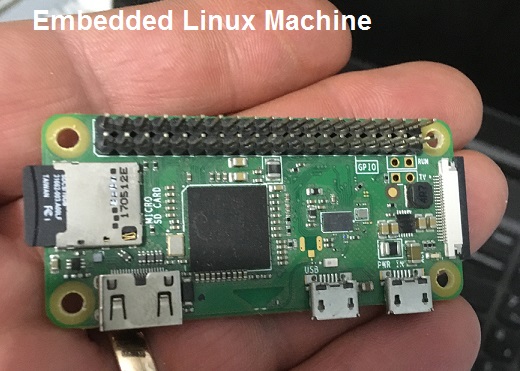
The most powerful existing processors are considered to be those from the ARM A-series family, also integrated into Apple's M1 processor, used in the MacBook Air (M1, 2020) and MacBook Pro (M1, 2020) series.  
|