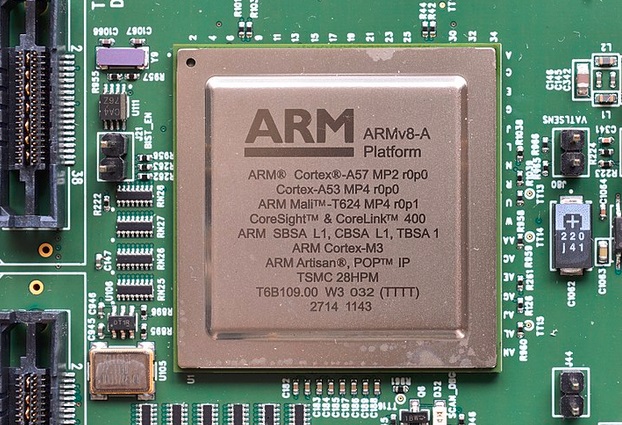
( automotive ARM)
The lab experiment explores Rpi systems with 64-bit ARM processors, generically represented by the term AArch 64 which signifies the presence of the ARM V8 instruction set (similar to the one in the Apple M1).
It uses the DEBIAN Linux operating system for the 64-bit version and classic tools such as
assamblor as, linkeditor ld and debug gdb. 
Documentation: ARM A53/72 Processor - Assembly Language ARM A53/72 - brief set of instructions GDB Commands 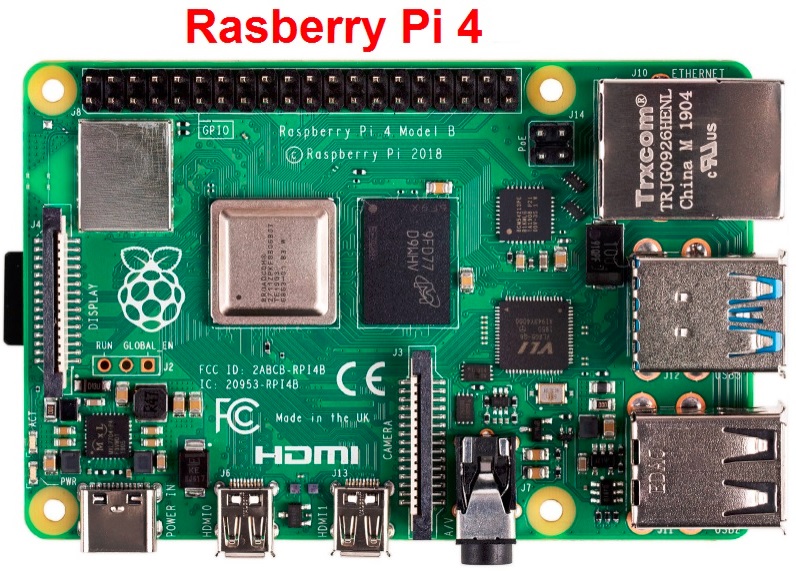 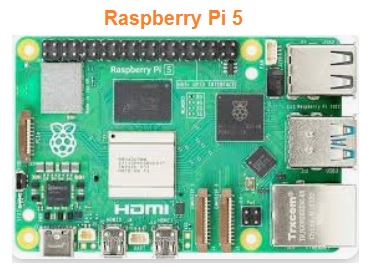
1. Program AArch64 hello world 2. AArch64 program add 2 numbers 3. AArch64 program multiplying 2 numbers 4. AArch64 program dividing 2 numbers
The central element of the Rpi Zero 2 W development platform is the ARM A53 processor composed of 4 64-bit cores equipped with a set of instructions known as the V8 or AArch64 attribute. The Linux operating system for 64-bit architectures has, in standard configuration, the gcc compiler, as assembler, ld linkeditor and dbg debugger. 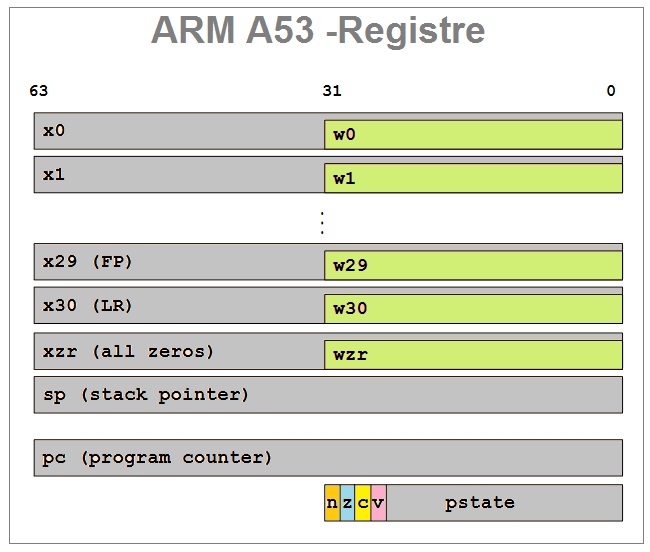
    
1. Explore with dbg the executable object module for example program 1. 2. Explore with dbg the executable object module for example program 2. 3. Explore with dbg the executable object module for example program 3. 4. Explore with dbg the executable object module for example program 4. 5. Use chatGPT to generate assembly code sequences AArm64 and verify their execution. 
- Development of applications for autonomous electric vehicles; - Development of software modules for critical applications - Use of cloud resources for the development of professional applications; - Development of applications of the type Physical computing 
|