The laboratory experiment aims to explore the use of classic web servers (APACHE) for controlling active objects in the Web of things category. At the end of the lab, you will have detailed information on how to create web applications for controlling real-world objects/processes - IoT.
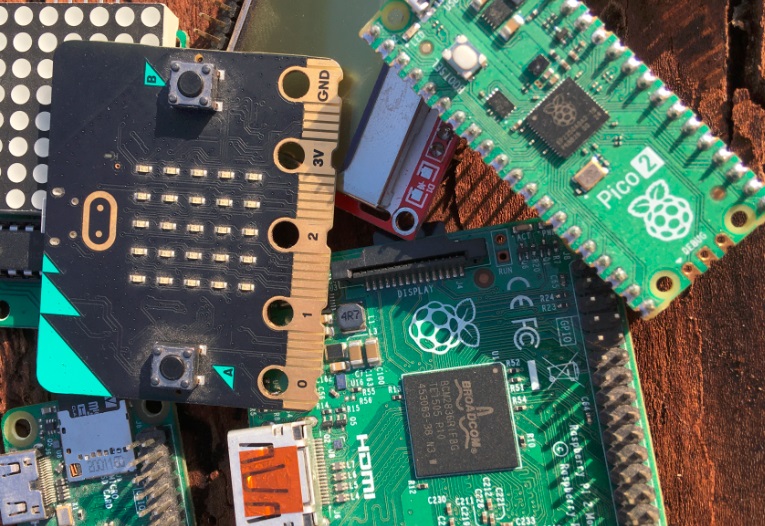
Documentation:
Red On Python Script Red off Python script Script Python Green on Python script Green off Script Python Blue on Python script Blue off
APACHE web server can be installed with the following command lines: >sudo apt-get install apache2 -y Activate server: >sudo systemctl start apache2 >sudo sysemctl enable apache2 Chec server status: >sudo systemctl status apache2 Restart under configuration: >sudo systemctl restart apche2 Apache generate www-data as user and var/www/html directory. All index.php and web related files must be in var/www/html directory . All server visitor are in /var/log/apache2/acces.log file. Addiional to Apache must be installed PHP : >sudo apt-get install php libapache2-mod-php -y To highlight the actions controllable through an active web page, the components represented in the figure below are used. 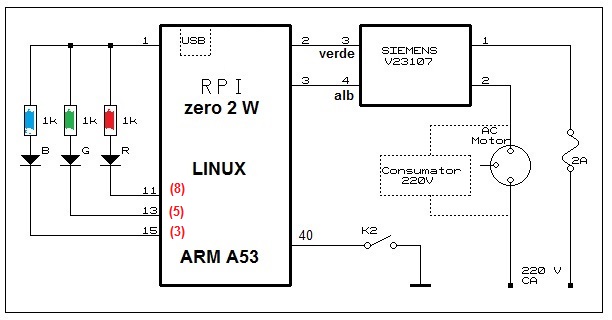
>sudo chown -Rf www-data:www-data /var/www/html/* >sudo chgrp -R www-data /var/www/html >sudo chmod -R g+w /var/www/html
1. Create an application that will attach to the button open water an intermittent operation of the specific LED . 2. Create an application that will attach to the buttons turn on the light/turn off the light the emission of some characters through the interface /dev/ttyAMAo; 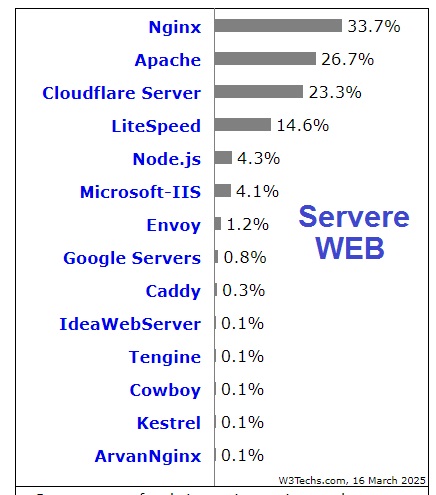
3. Interconnect Rpi Pico with Rpi through the /dev/ttyAMA0 interface and create an application that will activate the blue LED on the FRDM by pressing the open gate button; 4. Interconnect Pico with Rpi through the /dev/ttyAMA0 interface and create an application that will activate the red LED on the Pico by pressing the turn on light button; 5. In the previous configuration, insert a button in the web page that will allow the Pico to generate a sound; 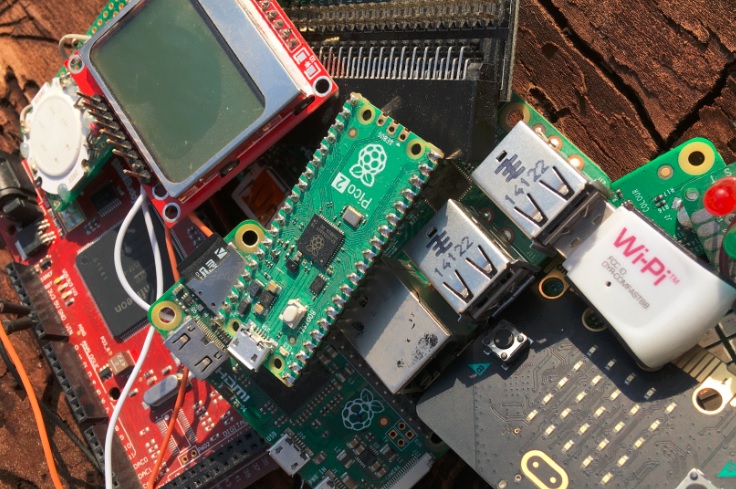
- Start the WEB of Things universe; - Design and create "Things" objects for the web - Create active entities controllable through Web Browsers; - Implement solutions for controlling remote processes/objects using WEB browsers; br br
|