The lab experiment aims to provide an introduction to the Tiny Machine Learning universe using a first Tensorflow installation on the Raspberry Pi 5 AI Kit platform provided with the related software resources. Alternatively, you can use Google Colab. Basic components from the Keras interface are used to introduce the concepts of starting to develop applications with Tensorflow/Tensorflow Lite for embedded systems. 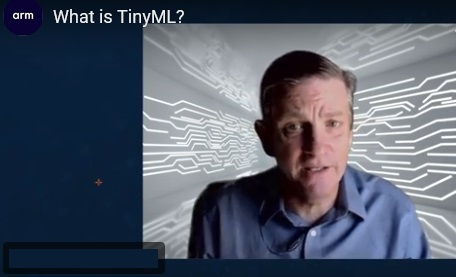
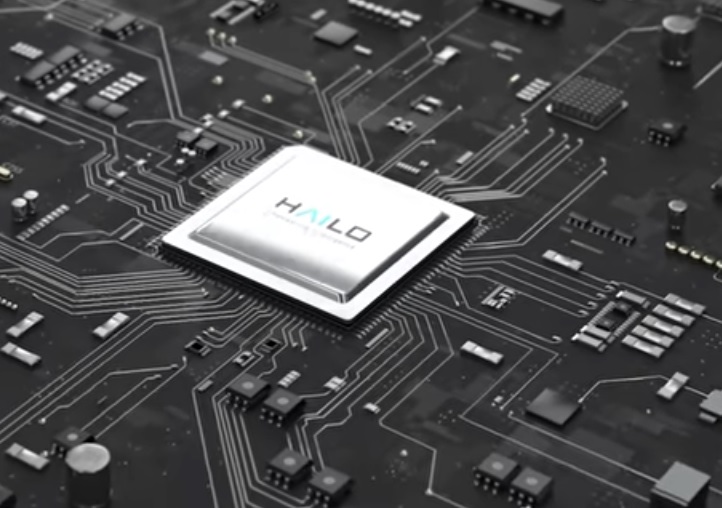 Hailo Hailo
Platform Rpi 5 AI Kit or Google Colab, SD with Linux 64 bits and SSH enabled, wifi router, Internet connection, PC with SSH client application (Putty) 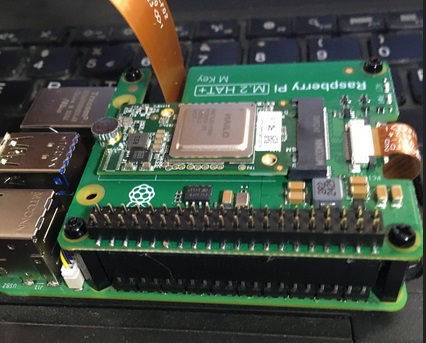
1.a Hello World Sequence on TensorFlow 1.b Tf correct installation test program sequence 1.c Model call sequence from Keras 1.d Model parameters visualization program 1.e Program for extracting rules from data 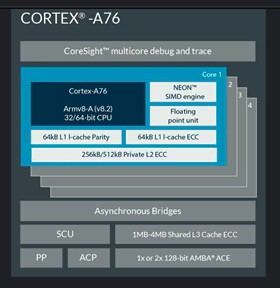
On the Rpi 5 platform based on the Arm Cortex-A76 processor, an operating system for a 64-bit processor is installed, usually the Debian Bookworm version is used. 
> python3 -m venv ~/venv/ > source ~/venv/tf/bin/activate > python -m pip install --upgrade pip setuptools wheel Reconnecting to the virtual space after reboot can be done like this: > source .venv/bin/activate # or > source venv/tf/bin/activate # or source ~/venvs/tf/bin/activate Installing tensorflow is done like this: > pip install tensorflow-aarch64==2.16.1 After the installation operation, explore the example programs that require loading and running. 
The example programs can also be run on Google Colab as shown in the image below: 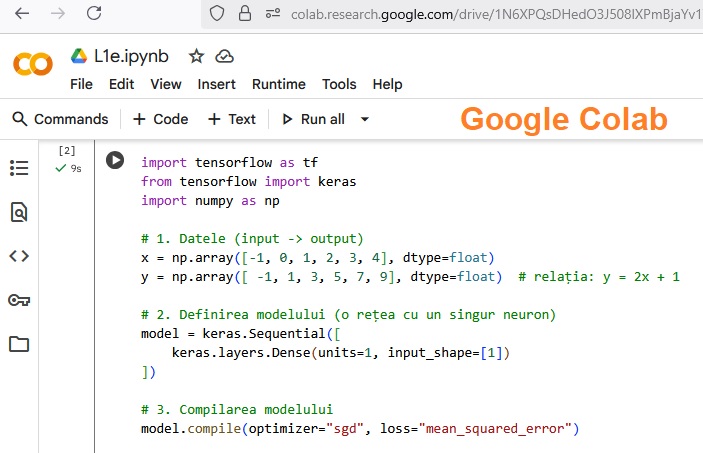
1. Create an application that allows you to determine the execution time of the multiplication operation of 2 matrices; 2. Determine how the processor temperature varies depending on the working conditions (load, radiators, etc.); 3. Identify the functions implemented on the processor used in power management of pr Rp5; 4. Create a program that allows you to perform the classic graphical representation of the neural network created with the model function in Keras; 5. Verify the operation of example programs 2-5 on the GoogleColab platform. 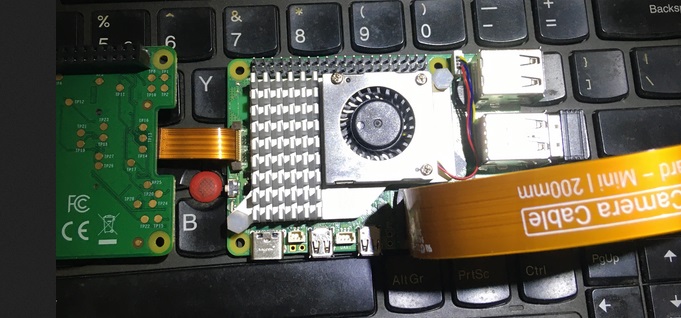
- Developing educational systems for edge AI; - Using cloud resources for developing professional applications; - Preparing the next generation of edge AI developers; - Developing machines that can accumulate experience.
|



