The laboratory experiment aims to explore Linux resources for embedded applications, respectively the use of Linux Shell components intended for configuration and interconnection operations. Exercises for using Linux commands are proposed for viewing configuration information, examining processes, assigning rights, viewing CPU parameters, etc. At the end of the laboratory, you will have relevant information about the resources of the Embedded Linux universe usable in education
Raspberry Pi 0-4 platforms, wifi router, Advanced IP scanner, sever SMlab 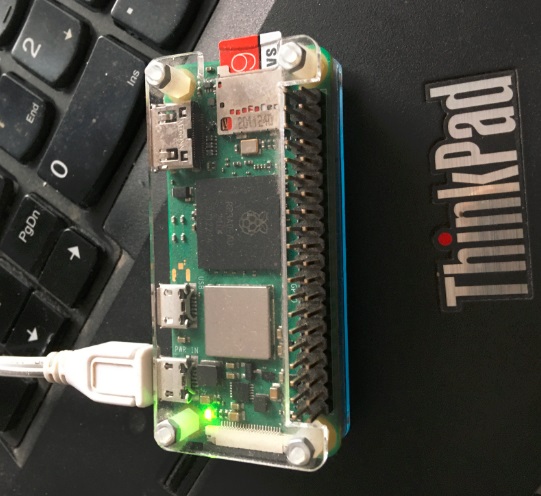
Documentation: br
How to compile linux Kernel br 
Common Linux commands:man abc - call documentation command abc sudo apt-get update - install/update software sudo apt-get install packagename - software package installation Processes: ps - Display your currently running processes ps-ef - Display all the currently running processes on the system ps-ef|grep processname # Display process information for processname ps aux - display background processes top - Display top processes htop - Interactive process display Kill pid - Process suspension by PID program & - Launch program/process in the background bg - Display processes in bg fg - Toggle bg-foreground Network: ifconfig -a - Show network par.interfaces and IP addresses ping host - Send ICMP echo request to host hostname -i - Display host network address hostname -I - Full display of IP addresses 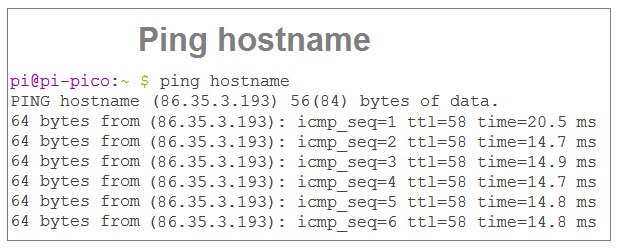
df -h - Display free disk space as well as the used one df -i - Show free and used inodes on mounted filesystems fdisk -l - Display disk partition du -ah - Show disk space usage du -sh - Display disk space used by the current directory cat /proc/cpuinfo - Display CPU parameters lscpu - Display CPU parameters 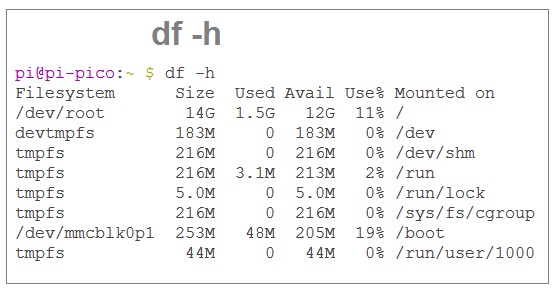
cat /boot/config.txt - Display fis. configuration at boot
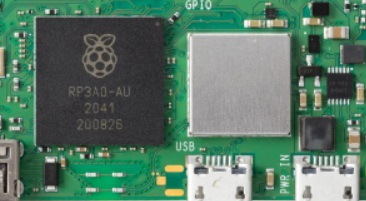
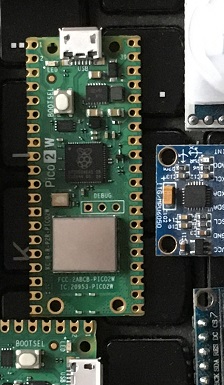
1. Analyze Linux Kernel sources and generate optimized/dedicated OS alternatives for mobile applications (can be used as SM projects). 2. Checked the ping command; 3. Identify the CPU parameters; br 4. Identify the RAM memory parameters; 5. Identify the components of the Raspberry Pi zero platform. 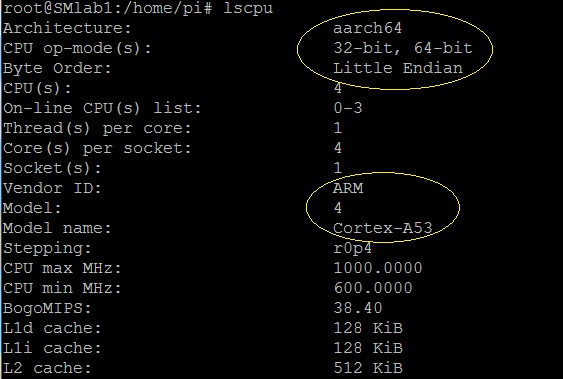
- Making the basic components for the Internet of Things universe; - The development of the embedded Linux universe; - Research Equipment; - Education & Research 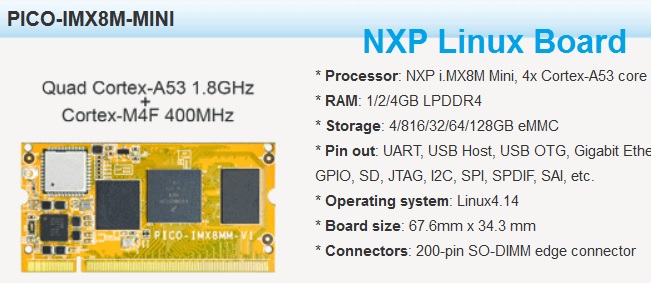
|