The laboratory experiment aims to explore the existing hardware/software resources
for the Rpi Pico W platform intended to create Internet-connected objects of the classic web server type such as APACHE.
 - Firmware for Pico W
1.Program identify MAC for Pico 2.Program display IP assigned at connection by the router 3.Example of a classic web server 4.Index.html file for the classic server 5. Active server action control 6. Index.html file for the active server
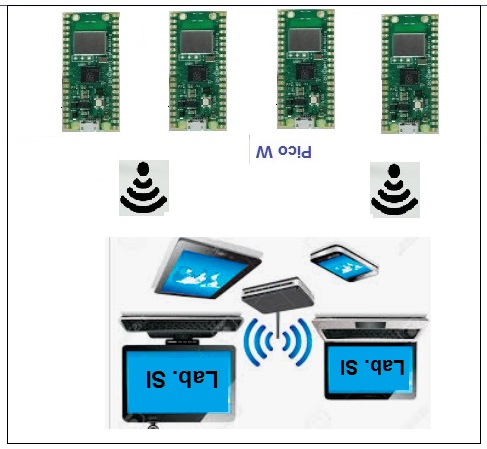
Prototype programs 1 2 and 3 are made with Thonny then loaded and executed on Pico W. The index.html files are created separately and saved on Pico W, then the server programs are created. Acquiring basic knowledge about web servers for Pico requires going through the related documentation where the basic elements are presented. The laboratory involves creating a local network consisting of a WiFi router, one or more Pico W, PC-type computers. Running the prototype server program will activate in the local WiFi the Pico W platforms to which dynamic IPs will be assigned. 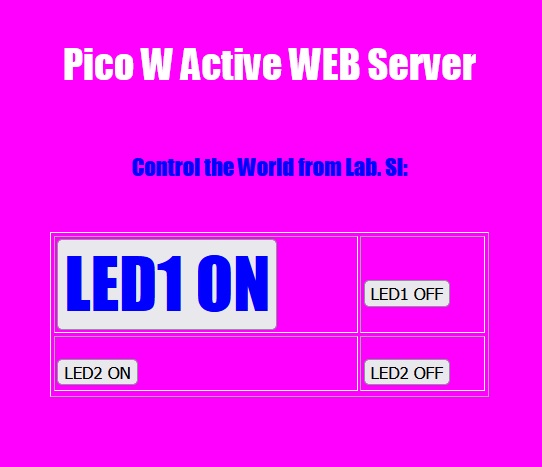
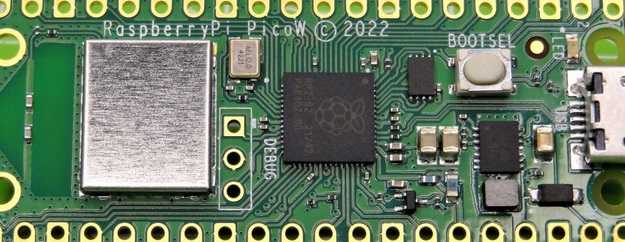
Using the Thonny environment, analyze the client program and run it on Pico W and note the address assigned by the router; The WiFi extension on the Pico W platform is made with the Infineon CYW43439; 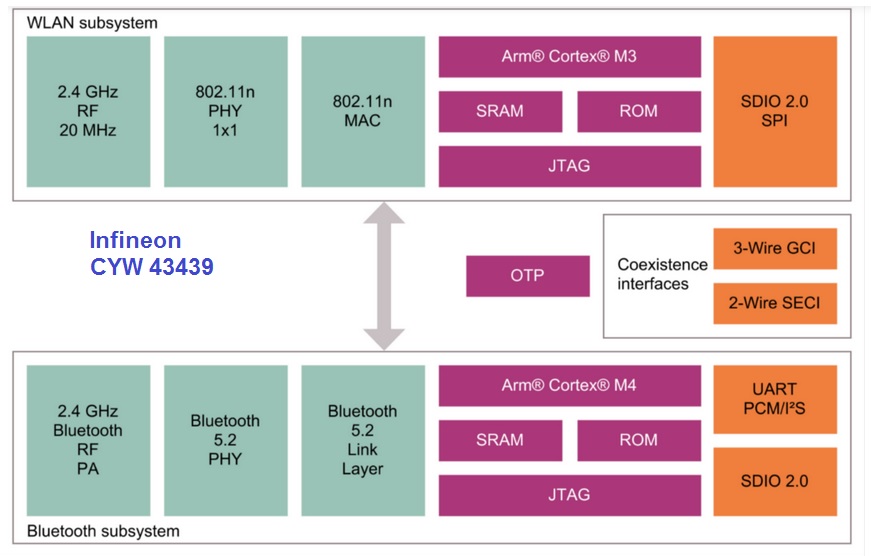
1. Create an active server for controlling LEDs attached to Pico W ; 2. Attach to the server system an HD44780 model LCD in which to display data from the browser; 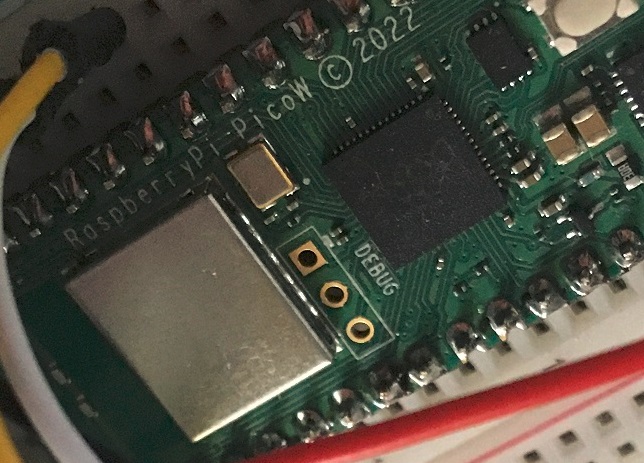
3. Create a server for generating a musical note/instrument; 4. Create a web server that will allow controlling the light intensity of a 220V filament bulb; 5. Create a server for opening/closing the door.
- Creating IoT objects with http protocol; - Creating mobile systems activatable remotely; - Creating virtual laboratories for education; - Creating networks in cars/buildings; - Developing systems for decarbonization; 
|